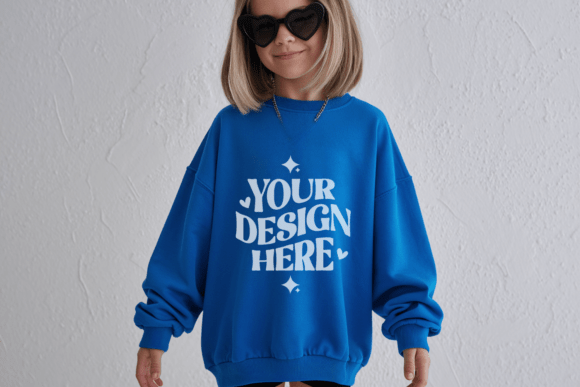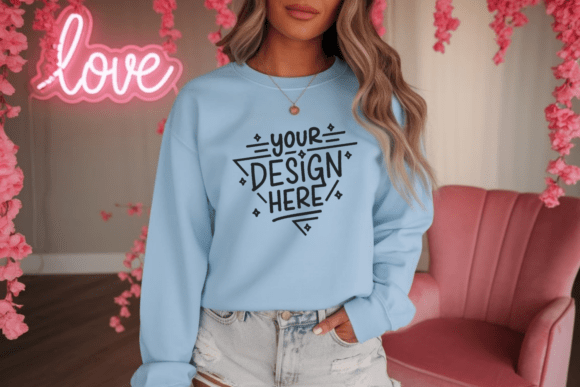
Valentine Gildan 18000 Light Blue Mockup
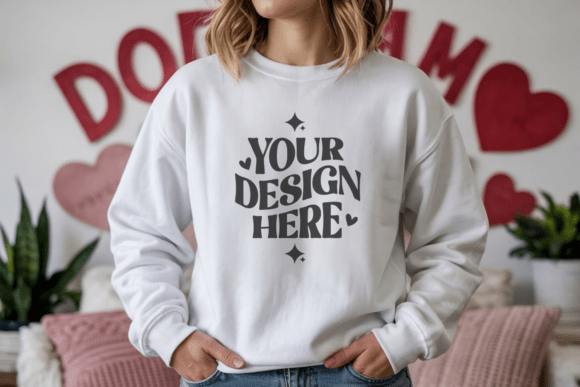
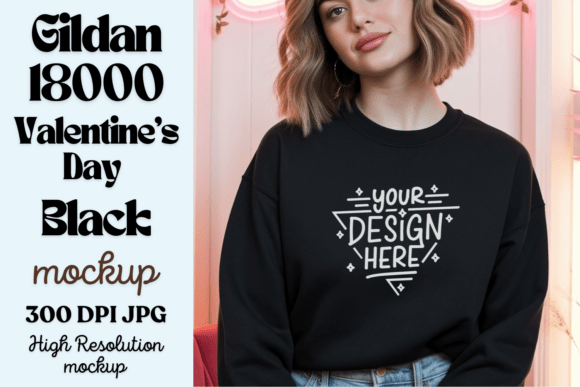
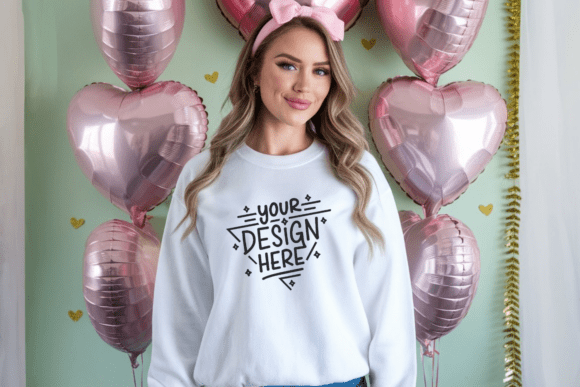
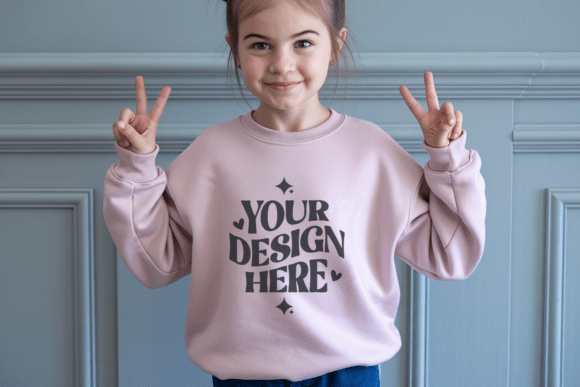
If you design for Valentine’s Day — whether it’s heartfelt quotes, minimalist love motifs, or playful couple illustrations — the Valentine Gildan 18000 Light Blue Mockup is a quiet game-changer. It’s not just another digital template. It’s a clean, professionally lit visual canvas built around the soft, approachable look of the Gildan 18000 sweatshirt in light blue — a color that evokes calm affection, gentle romance, and modern simplicity.
This mockup helps you turn flat artwork into something tangible and inviting — no photography studio, no models, no retouching headaches. Just your design, placed thoughtfully on a realistic sweatshirt, ready to share with customers, clients, or followers in minutes.
Why This Mockup Fits Real Creative Needs
Whether you’re launching your first Etsy shop, updating social media for a small business, or prepping a client presentation, how your design appears matters more than you might think. A plain JPEG of your artwork lacks context. But place that same design on the Valentine Gildan 18000 Light Blue Mockup, and suddenly people can imagine wearing it, gifting it, or seeing it styled in their feed.
The light blue base works especially well for designs that lean into natural light aesthetics — think soft shadows, airy backgrounds, or earthy-toned typography. It also pairs beautifully with rose gold foil accents, handwritten scripts, delicate line art, or even bold sans-serif slogans about love, self-care, or friendship. Because the shirt itself is neutral but warm, it doesn’t compete with your work — it supports it.
What You Actually Get (and Why It Matters)
You’ll receive one high-resolution JPG file — 300 DPI, fully layered-ready (though delivered as a flattened JPG for universal compatibility), and completely free of watermarks or branding. That means:
- No hidden fees or subscriptions — it’s a one-time download, instantly available after purchase.
- Works where you already work — open it in Canva, Photoshop, Affinity Photo, or even free tools like Photopea. No special plugins or licenses needed.
- Ready for real-world use — from Shopify product listings and Instagram carousels to Pinterest pins and email newsletters.
Unlike some mockups that rely on complex smart objects or require advanced masking, this one uses intuitive placement. Drag your design onto the shirt area, adjust scale and position using standard transform tools, and export. That’s it.
Where Designers Use It — Beyond Just Valentine’s Day
Yes, it’s named for Valentine’s Day — but its appeal stretches further. The light blue Gildan 18000 is a versatile staple. Designers use this mockup for:
- Small-batch apparel shops — previewing limited-run “Love & Coffee” or “You’re My Person” sweatshirts before printing.
- Educators and coaches — creating branded merch for workshops on relationships, mindfulness, or emotional wellness.
- Bloggers and content creators — illustrating seasonal posts (“5 Ways to Celebrate Love All Year”) with custom visuals instead of stock photos.
- Freelancers pitching to clients — showing how a logo or pattern would translate to wearable form, building trust before a single stitch is made.
- Hobbyists sharing on social media — turning a hand-drawn doodle into an eye-catching post that invites comments and saves.
It’s also ideal for matching sets — think couples’ sweatshirts, best-friend duos, or family-themed designs. The relaxed fit and subtle texture of the Gildan 18000 lend themselves naturally to those warm, inclusive vibes.
Things to Keep in Mind Before You Start
While the Valentine Gildan 18000 Light Blue Mockup is straightforward, a few practical notes help avoid small hiccups:
- Color accuracy varies — screens differ, and ambient lighting affects how the light blue appears. If precise Pantone matching is critical, treat the mockup as a presentation tool, not a color proof.
- It’s a front-only mockup — perfect for chest logos, centered quotes, or oversized prints, but not intended for full-back or sleeve placements unless edited manually.
- Best with minimalist or medium-contrast designs — ultra-light grays or very pale pinks may lack pop against the light background. Test your artwork at actual size before finalizing.
- File size is optimized for speed — the JPG loads quickly and shares easily, but if you need editable layers (like separate shadow or fold effects), check whether your software supports non-destructive blending modes.
A Few Simple Steps to Great Results
You don’t need design experience to get started. Here’s how most users succeed:
- Download and unzip the file — it’s lightweight and arrives instantly.
- Open the JPG in your preferred app (Canva works especially well for beginners).
- Upload your design file (PNG with transparent background recommended).
- Resize and center it over the shirt’s front panel — aim to keep key elements within the natural “sweet spot” (roughly between collar and waistband).
- Adjust opacity or blend mode slightly if your design feels too sharp or flat — often, a touch of Multiply or Overlay adds subtle depth.
- Export as JPG or PNG and use it wherever you need a polished, professional look.
That’s all it takes. In under five minutes, you’ve elevated your idea from sketch to sellable visual — without hiring a photographer or learning new software.
Your designs carry meaning. They reflect care, creativity, and connection. With the Valentine Gildan 18000 Light Blue Mockup, you’re not just showcasing art — you’re inviting people to imagine how it feels to wear that feeling.